The taped-together stack
Spreadsheets, group chats, a bidding calculator, QuickBooks. Numbers die in a report. You do the ops work by hand.
Cheap tools each do one slice and stop. TidyShift runs the whole loop on one system — and every finished job makes the next one smarter.
A new lead, a client asking for extra work, a cleaner calling in sick — each one is sorted, saved to the right client, and sent to the right next step. Nothing dies in a text thread.
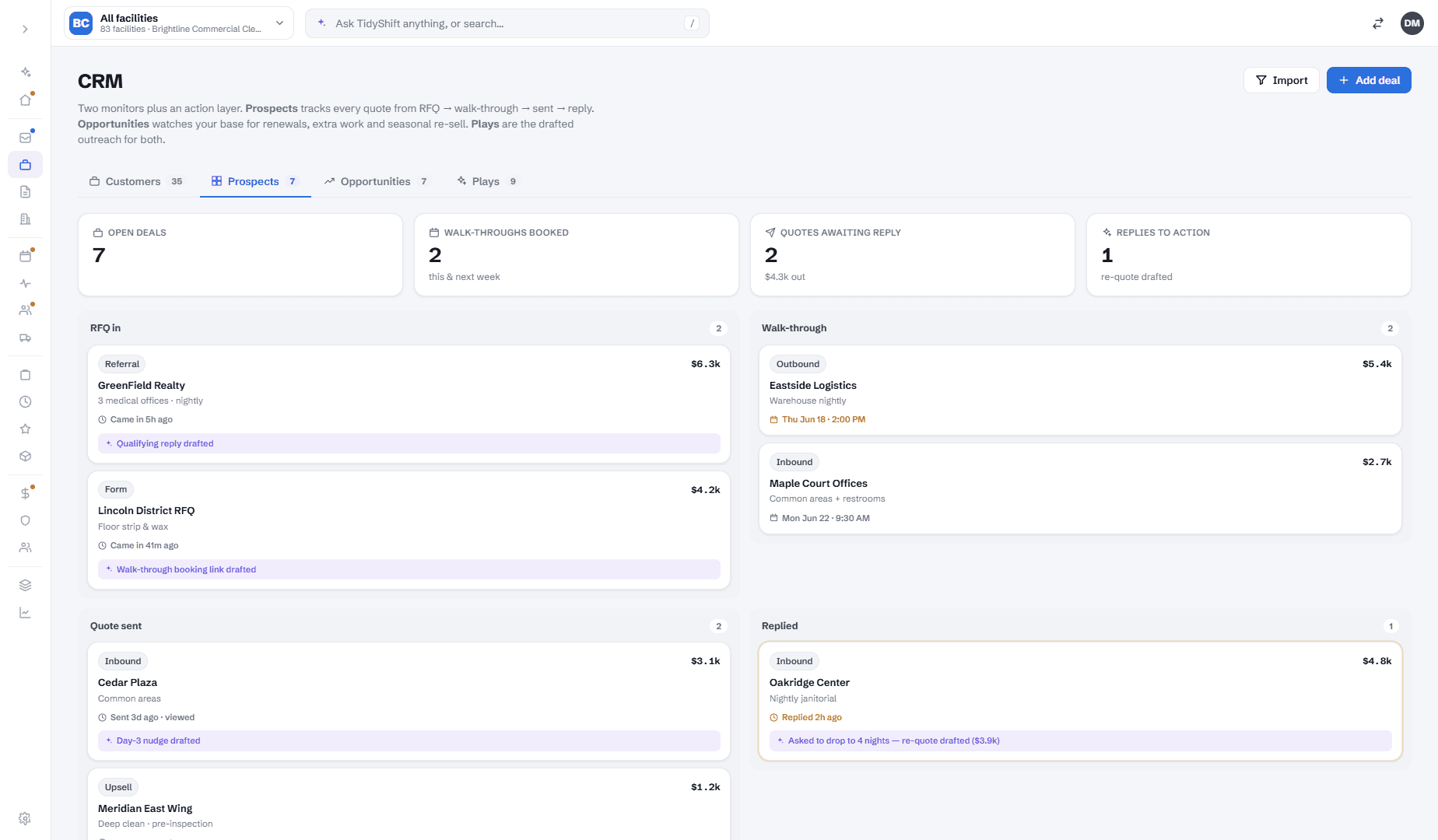
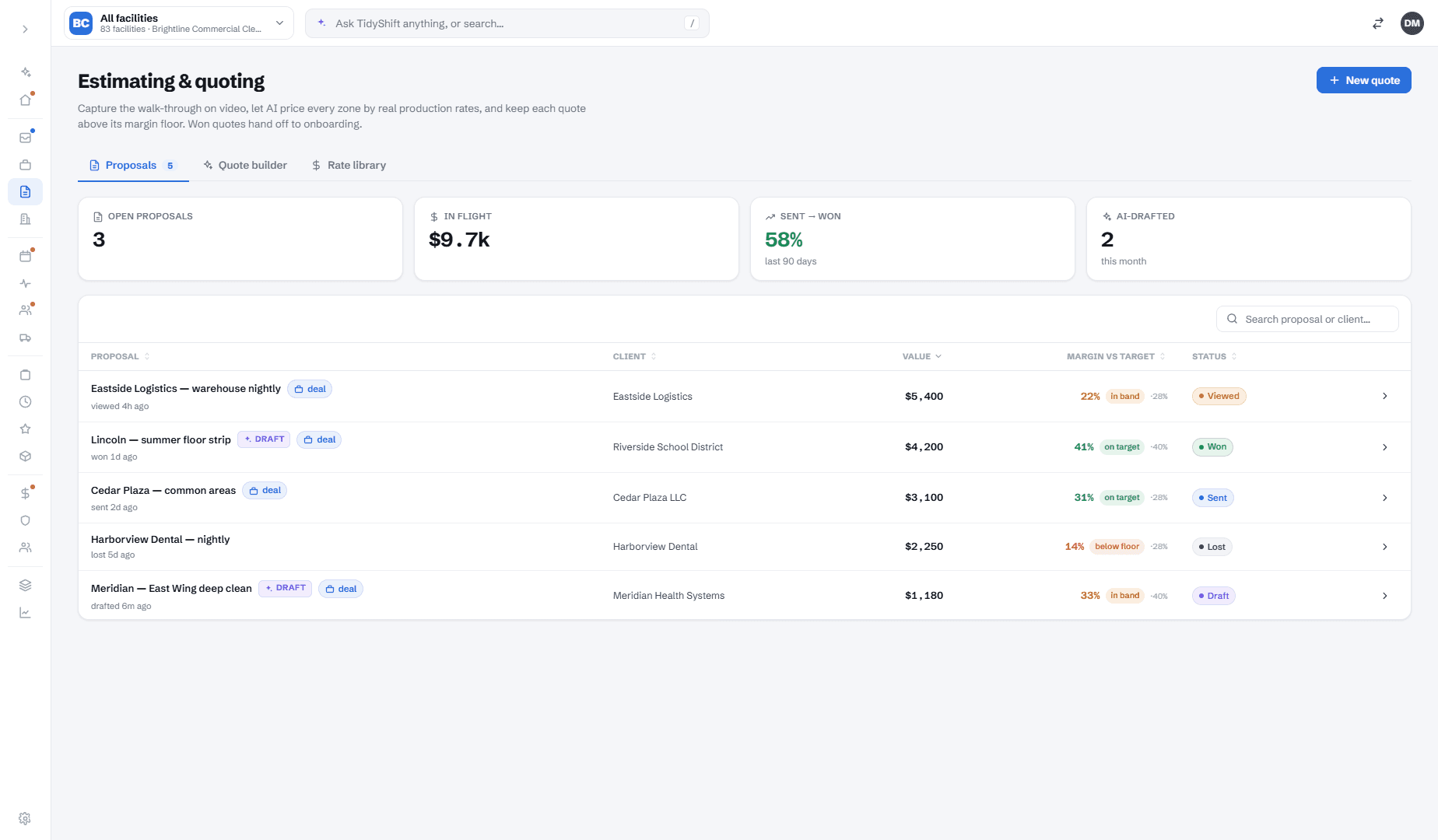
Walk the site with your phone — floors, restrooms, square footage. TidyShift prices it from your own past jobs and hands you low, competitive and high, plus a walk-away floor. You're never guessing at the table.
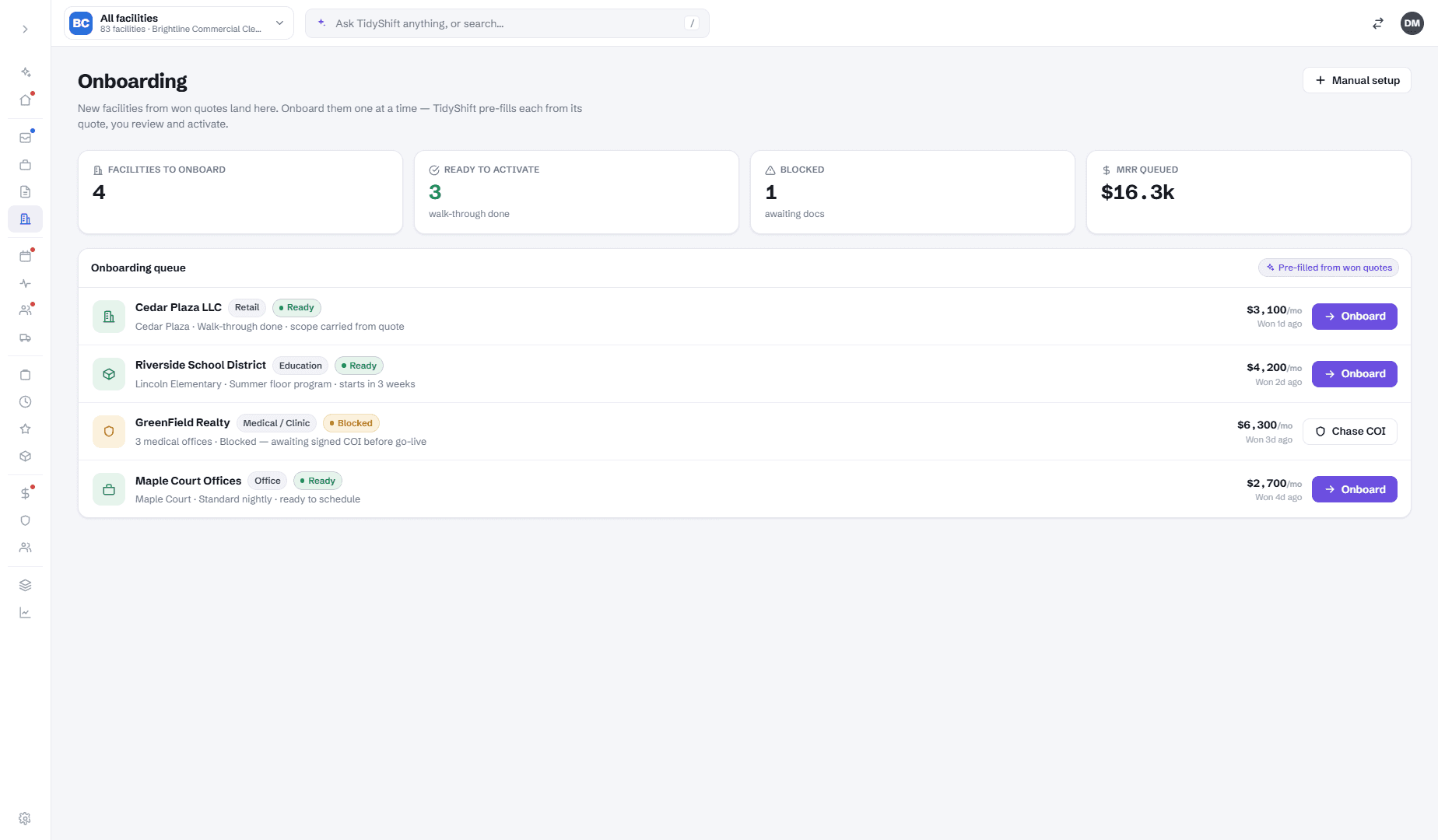
Win the job and the cleaning plan is drafted for you — area by area, task by task. Assign the crew and the first clean is booked. The standard is written down, not just in your head.
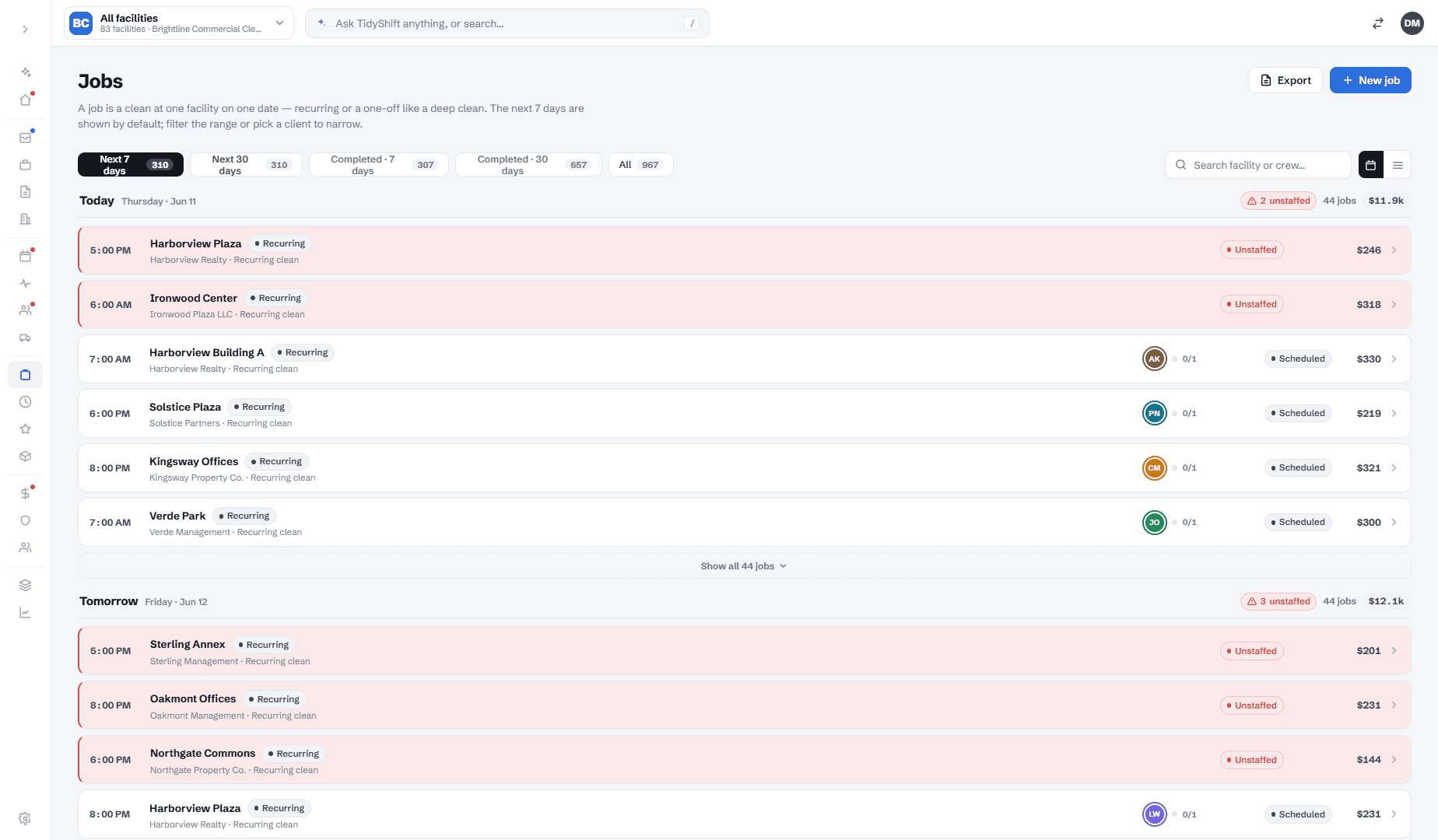
The cleaner opens the app: tonight's job, the checklist, the camera. Clock-in and a before-photo confirm the visit started. A missed start goes straight to the Copilot — you hear about a no-show before your client does.
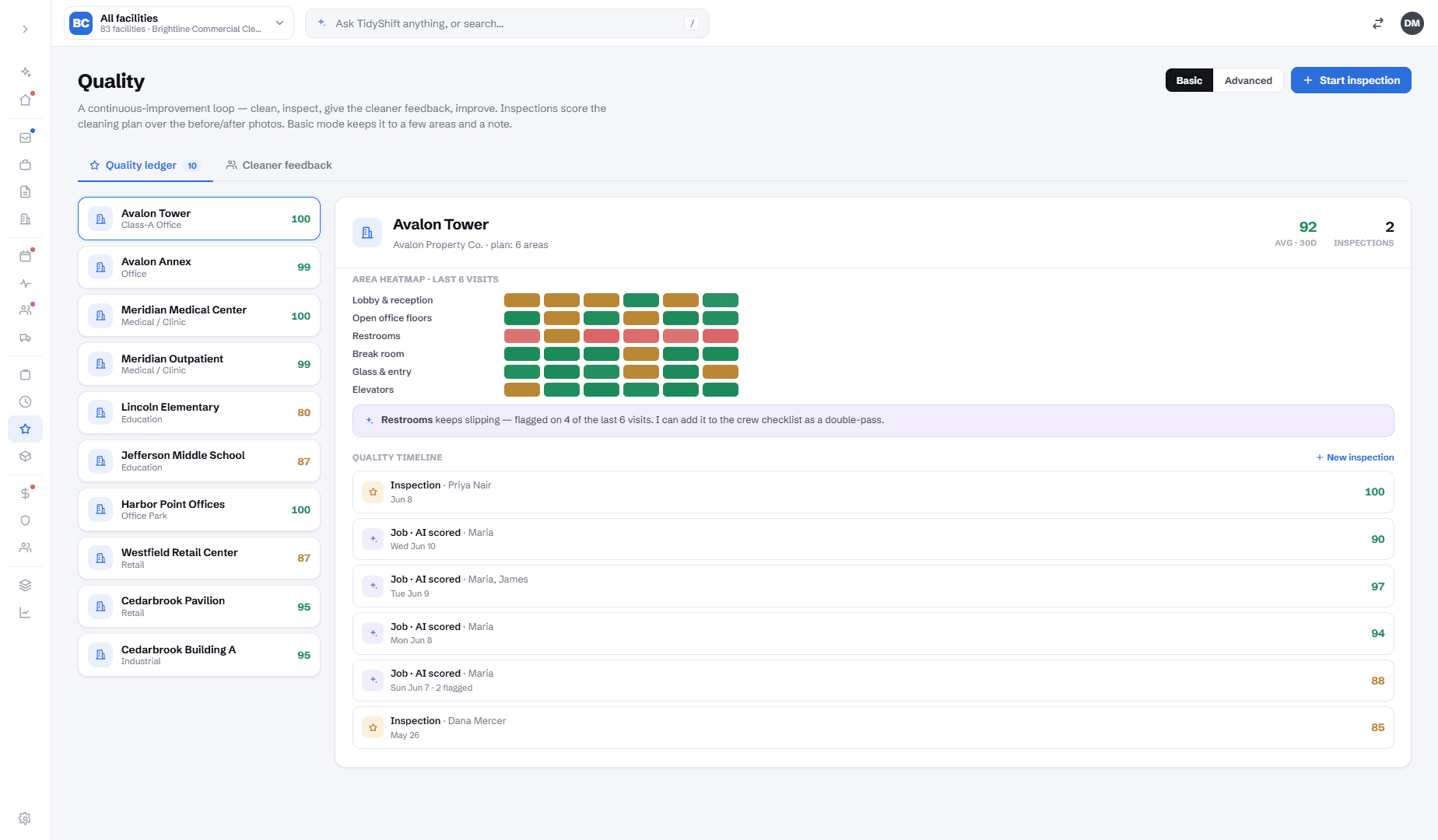
Before/after per area. A supervisor approves. Your client gets a clean branded report the same night — your name, your logo — and it's saved per client for renewal time.
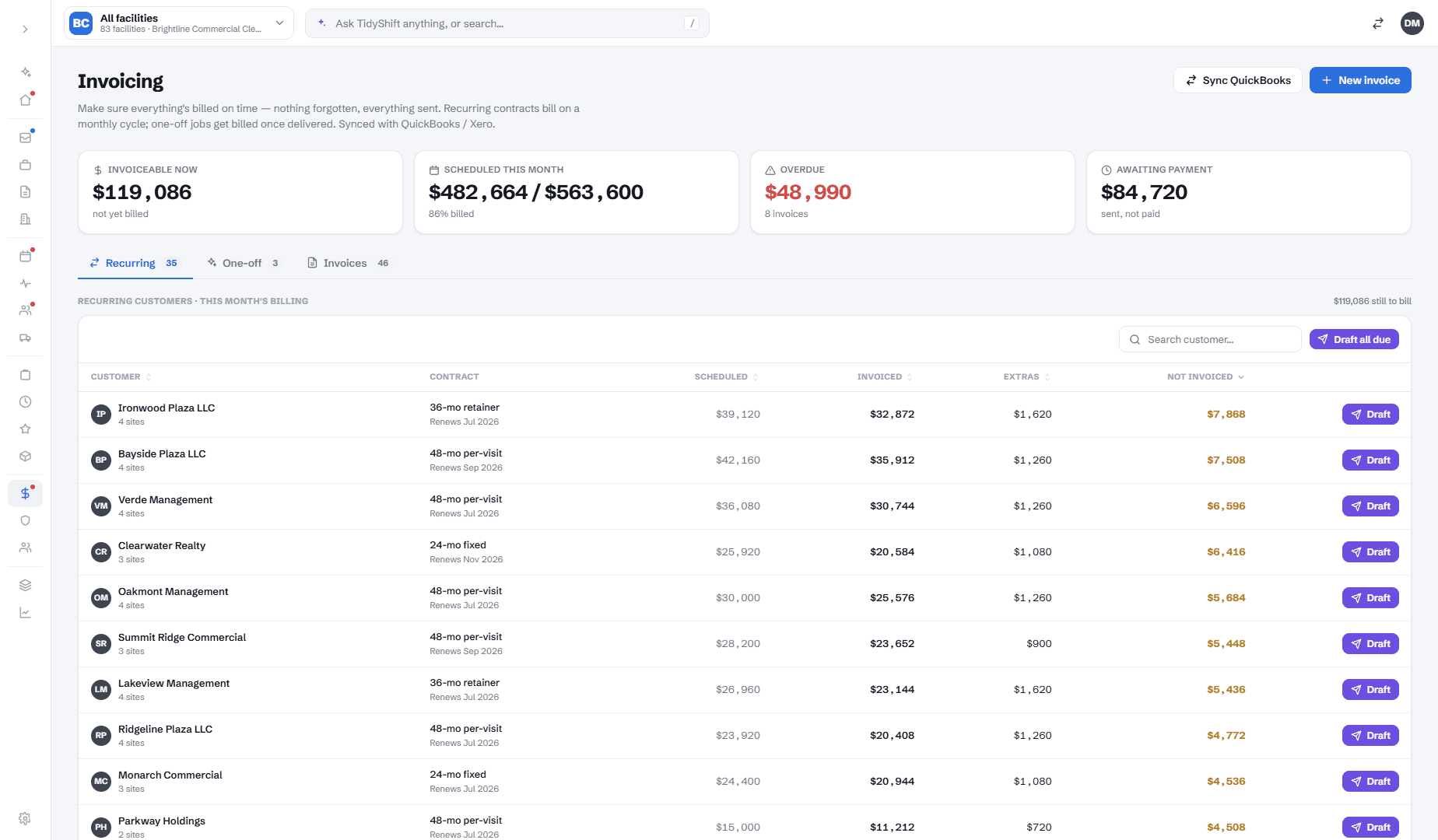
TidyShift shows what's ready to bill right now, in dollars, and drafts it — including the extra work that usually slips away. Overdue invoices get chased with your approval. QuickBooks and Xero sync are coming.
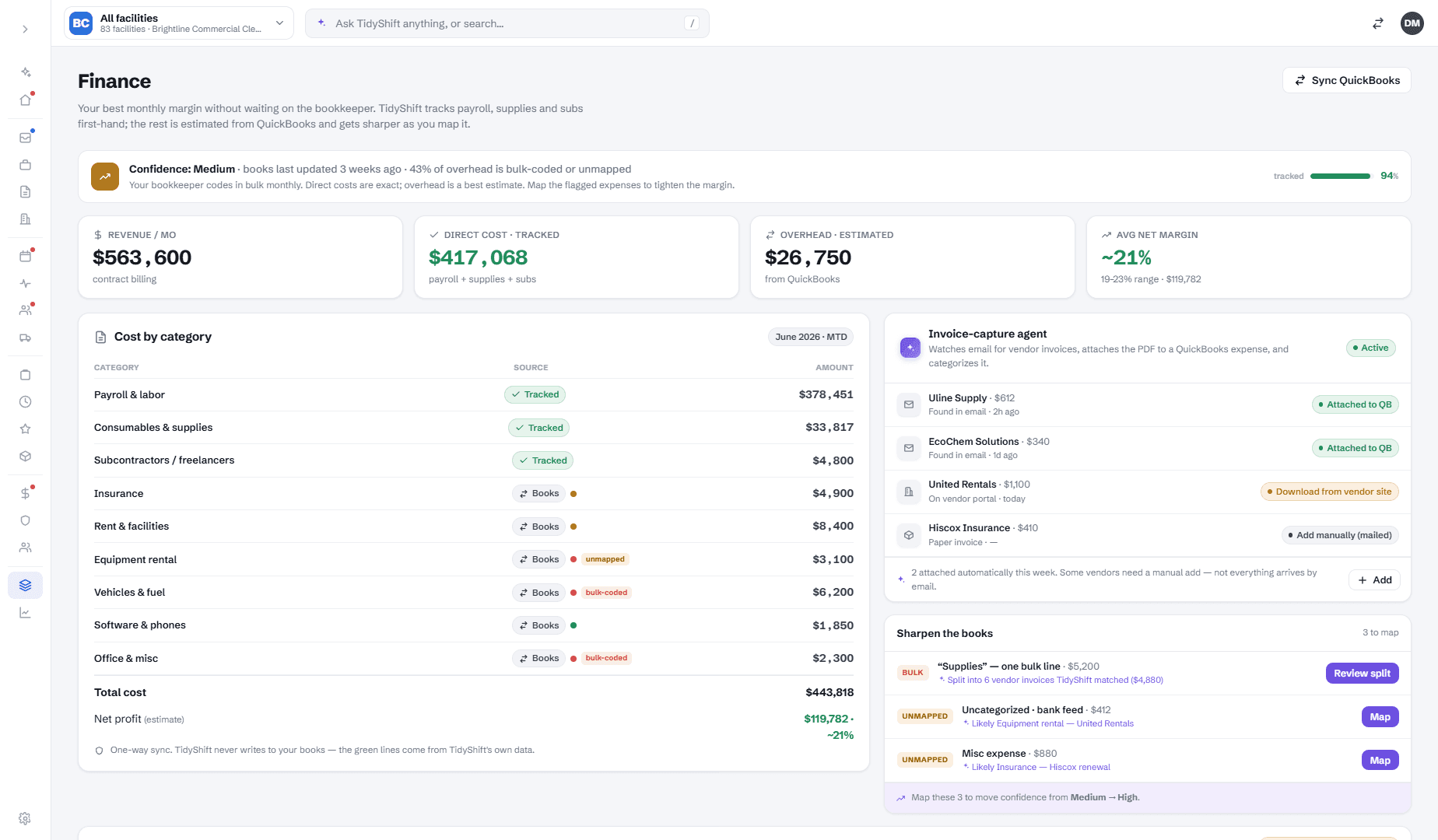
The hours a job really took, the overtime, the supplies — they flow back in, so your next bid is priced on your buildings, not a generic table. Full profit per contract arrives with bookkeeping sync.
Cheap tools own one slice and never learn. The tools that close the loop are built for 100-person companies. TidyShift is the loop — with a Copilot on top — at a price that makes sense.
Spreadsheets, group chats, a bidding calculator, QuickBooks. Numbers die in a report. You do the ops work by hand.
One system, capture to cash, with a Copilot that drafts every decision. Priced for real cleaning companies.
Closes the loop — but weeks of setup, a steep learning curve, and priced for $5M+ companies. Overkill.
A 20-minute demo on your buildings — we'll price a walk-through, run a shift, and let the Copilot surface the day.
Book a 20-minute demoLive in a week · Read-only by default · Cancel anytime